Your counter, now self-service.
Photocopy shop or CSC centre — keep your printer, your PC and your customers. Printer Jadoo adds a lane where customers send and set up their own prints, while you hand over the pages and collect the money.
The shop is busy — but the day is not enough.
These problems are not yours alone. Almost every print shop in India has them.
A crowd at the counter at rush hour
Forms in the morning, students in the evening. You can serve one person at a time — the rest walk to the next shop.
Files on WhatsApp, piling up on your phone
'Bhai, print this and keep it ready.' Whose file, how many copies, paid or not — all of it lives in your head.
You sit at the PC for every single job
Open the file, pick the pages, choose colour or black, press print. Hours of the day go into just this.
Printing stops when you step away
Lunch, the bank, something at home — the shop is open but the machine is idle and earning stops.
You can't say exactly what you made today
Cash in the drawer, somebody's credit, somebody's UPI — adding it up at night is a headache of its own.
The same shop, with more free time.
Same printer, same place, same customers — only the way the work flows changes.
Customers set up their own prints
They scan your counter QR, and choose the file, pages, colour and copies on their own phone.
The money comes straight to you
Customers pay at your counter in cash or UPI, exactly as today. No commission on prints, no settlement to wait for.
Today's earnings, live
Orders, pages and earnings update on the dashboard the moment they happen.
A token queue handles the rush
Every order gets a token and prints in turn. Nobody argues about who came first.
It keeps going while you're away
In auto mode, orders print by themselves while you step out for tea.
Get found on the map
If you allow it, your shop appears in Find a shop with your rates — new customers walk in.
Four steps, and you're live.
Nobody needs to visit. Do it today, yourself.
Install the Agent
Download one file for your Windows PC and open it. It finds your printers by itself.
Log in to downloadPut up the QR poster
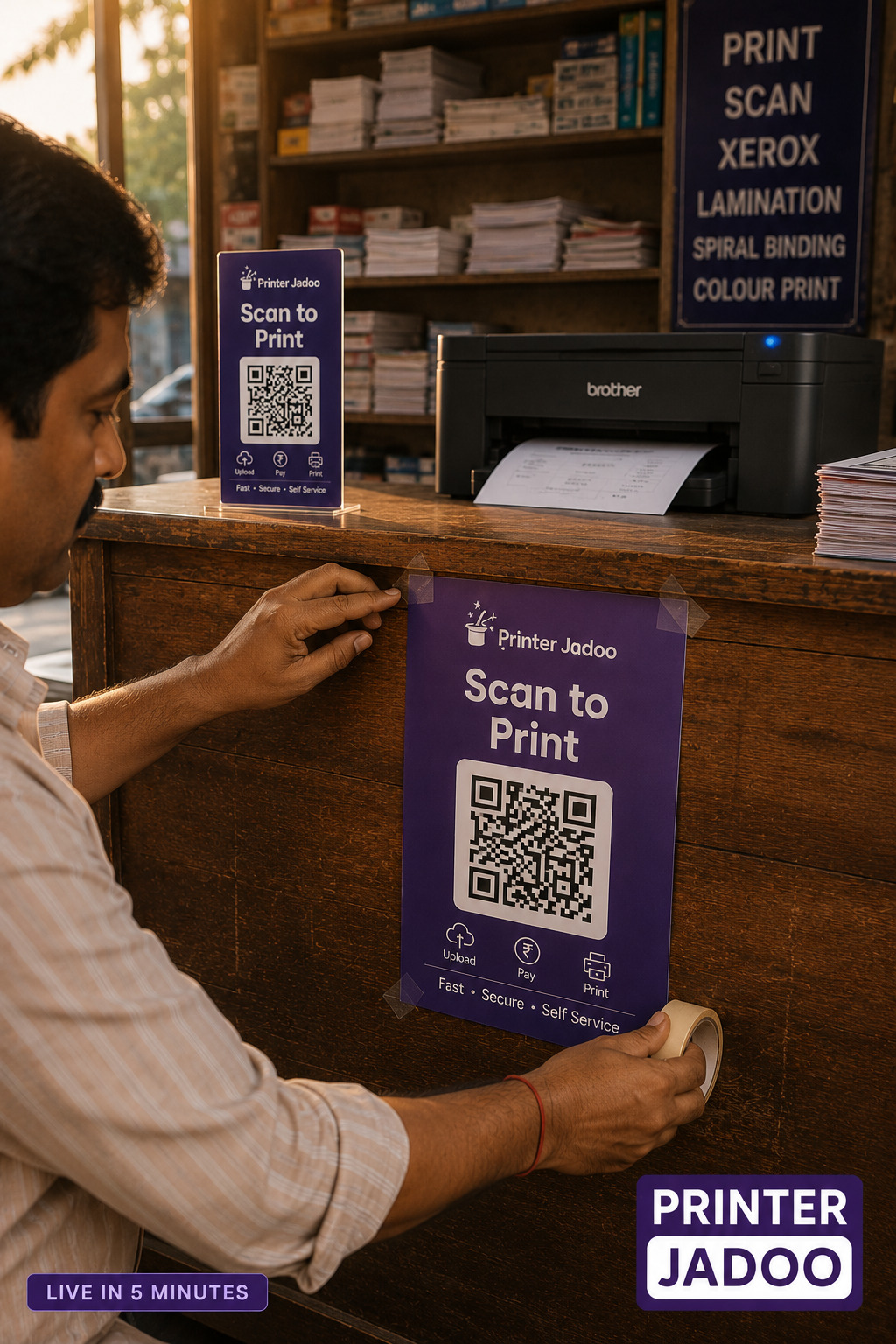
Print your shop's poster from the dashboard — with your QR and PJ code — and stick it on the counter.
Load paper
Keep the tray full. Orders arrive, pages come out, the dashboard keeps the count.
Nothing new to buy.
What is already in your shop today is enough.
Your money is yours. The customer's file is theirs.
Payments never pass through us
Customers pay you at the counter — cash, or UPI to your own ID. There is no wallet in between, nothing to settle and no money of yours stuck anywhere.
- You set every rate yourself
- Approval mode: take the money first, then press Print
No pile of documents, so no liability
Each customer's file is deleted the moment it prints — or fails. No Aadhaar cards or marksheets sit on your PC or phone, so the question of misuse never comes up.
How privacy worksTry it for a month. Pay nothing.
Your counter keeps working when the trial ends — we will speak to you first.
- Zero platform fee for your first 30 days — every feature open
- Print money goes straight to you — cash or your own UPI, never through us
- After the trial, ₹1 per customer — one page or two hundred, the same ₹1
- No card, no advance, no contract to start
The questions every owner asks.
If it prints from your Windows PC today, it works with Printer Jadoo. Laser or inkjet, any brand — jobs go through Windows' own print system.
No. Paid and approved jobs wait safely and print automatically when the connection returns. In auto mode, if your PC is off, new orders simply can't start — the customer is told right away.
The opposite. Nothing about your shop changes — it just gains a self-service lane. Regulars still talk to you; customers in a hurry handle their own job.
No. The Agent is set up once and runs in the background. Day to day you only keep paper loaded and hand over prints. Open the dashboard only when you want to.
Yes. Add as many as your PC has — B&W jobs go to B&W printers and colour to colour, whichever is least busy.
Start today — or write to us first.
Registration takes about two minutes. Shop name, mobile, password and UPI ID — done.
Send an email in English, हिंदी or मराठी — a real person reads every one. Monday to Saturday, 10 AM to 7 PM.
info@printerjadoo.comTurn your printer into a self-service counter.
Free to join · nothing new to buy · 30 days free, then ₹1 per customer.